
11 April 2026 · 6 min read
So you want to start a blog. Maybe you want to share what you know, build an audience around your Etsy shop, or create a passive income stream. Whatever the reason, blogging is still one of the best long-term investments you can make for your online presence. But here's what nobody tells you upfront: most blogs fail not because the writing is bad - but because of mistakes made in the first few months that quietly kill growth before it starts. This guide covers the blogging tips for beginners that actually matter, so you can skip the trial and error and build something worth reading from day one.
The biggest beginner mistake is starting a blog that's too broad. "Lifestyle" or "everything I love" sounds appealing but gives readers - and Google - no clear reason to follow you.
A niche doesn't mean you're boxed in forever. It means you have a clear focus that makes it easy for the right people to find you and stick around.
Good niche examples:
Handmade home decor for small spaces
Budget travel for solo women over 40
Easy weeknight dinners for families with picky eaters
Etsy seller tips and product photography
The test: can you write 50 posts on this topic without running out of ideas? If yes, you've found your niche.
You don't need to overthink this, but your platform choice does matter.
WordPress.org is the gold standard for serious bloggers. You own your content, you have full control, and it's SEO-friendly out of the box. It does require hosting (Bluehost, SiteGround, and Cloudways are popular options) but the cost is minimal - usually $5–15/month.
Squarespace is a good option if you want something simpler and more visual, especially if you're already running a shop there. Less flexible than WordPress but easier to manage.
Avoid free platforms like Blogger or WordPress.com for anything you're serious about. You don't own the content and you're limited in how you can monetise or customise.
If you're an Etsy seller, consider hosting your blog on your own domain so all the SEO value flows back to your main site.
SEO matters - we'll get to that - but the most common beginner mistake is writing stiff, keyword-stuffed content that sounds like it was written for an algorithm, not a person.
Write like you talk. Use short paragraphs. Ask questions. Use "you" and "your" - your reader should feel like you're speaking directly to them.
Before writing any post, ask yourself: what does my reader want to know, and what do they want to feel after reading this? Answer both and you've got a good post.
You don't need to become an SEO expert, but understanding a few basics from the start will save you months of wasted effort.
The fundamentals:
Target one keyword per post - what would someone type into Google to find this post? Use that phrase in your title, first paragraph, and a few headings
Write descriptive titles - "My Morning Routine" is weak; "Simple Morning Routine for Busy Mums Who Work From Home" is specific and searchable
Use headings (H2, H3) - they help readers scan and help Google understand your content structure
Write a meta description - the short summary that appears under your link in Google results. Keep it under 155 characters and include your keyword
Free tools like Google Search Console and Ubersuggest are more than enough to get started.
You don't need to post every day. In fact, burning out in month two by over-committing is one of the most common reasons new blogs fail.
Pick a cadence you can sustain for six months without it becoming a burden. For most beginners, that's once or twice a week. Consistency matters far more than frequency - Google rewards sites that publish regularly, even if it's just twice a month.
Want to do this without the manual work?
PinFreshly converts your blog posts into Pinterest pin images automatically. Free to try.
Put your publishing schedule in your calendar like an appointment. Treat it like one.
This is the single most common piece of advice experienced bloggers give beginners - and the most commonly ignored.
Social platforms change their algorithms. Pinterest reach fluctuates. Google updates rankings. But your email list is yours, and it's the most direct line to your audience.
Start simple. Add a free opt-in offer (a checklist, a template, a short guide) and use a free tool like Mailchimp or MailerLite to collect emails. You don't need thousands of subscribers — even a small, engaged list is enormously valuable.
Here's the problem with relying on Google traffic when you're starting out: SEO takes time. New blogs typically take 3–6 months to start ranking, sometimes longer.
Pinterest is different. A well-optimised pin can drive traffic within days of being posted, and unlike a tweet or Instagram post, it keeps working for months or years.
For beginner bloggers, Pinterest is the fastest path to real traffic while your SEO builds in the background. Every blog post you write should have at least one Pinterest pin to go with it - ideally 3–5 different designs to maximise reach.
The basics of Pinterest for bloggers:
Create a Pinterest Business account (free)
Make vertical pin images for every post (1000x1500px)
Write keyword-rich pin titles and descriptions
Pin consistently - at least a few times per week
Use a scheduling tool so you're not doing it manually every day

If creating Pinterest pins for every blog post sounds time-consuming, tools like PinFreshly are built exactly for this - converting your blog posts into Pinterest-ready pins without the manual design work.
👉 See how PinFreshly works at pinfreshly.com
Short posts can work, but for most blogging niches, longer posts (1,000–2,000 words) tend to rank better and get shared more. The reason is simple - they cover the topic more completely, which means readers stay longer and Google sees the content as more valuable.
"Longer" doesn't mean padded. Every sentence should earn its place. A tight 1,200-word post beats a rambling 2,500-word one every time.
A useful structure for most beginner blog posts:
Hook - why this matters, what problem it solves
What you'll learn
The main content (tips, steps, or sections)
A summary or action step
A call to action or question for comments
Writing the post is only half the job. Most beginners publish and then wait - and nothing happens because nobody knows the post exists.
Every time you publish, promote it:
Pin it to Pinterest (multiple designs over several weeks)
Share it to your email list
Post about it in relevant Facebook groups
Share it on Instagram Stories with a link
You should spend as much time promoting a post as writing it, especially early on when you have no organic traffic yet.
This one isn't tactical, but it might be the most important tip on this list.
Most successful bloggers took 1–3 years to build meaningful traffic. The ones who make it look overnight were usually building quietly for a long time before you noticed them.
Focus on your own progress. Compare your month six to your month one - not to someone who's been doing this for five years. The bloggers who win are the ones who keep going when it feels like nothing is happening.
Because something is always happening - it's just underground.
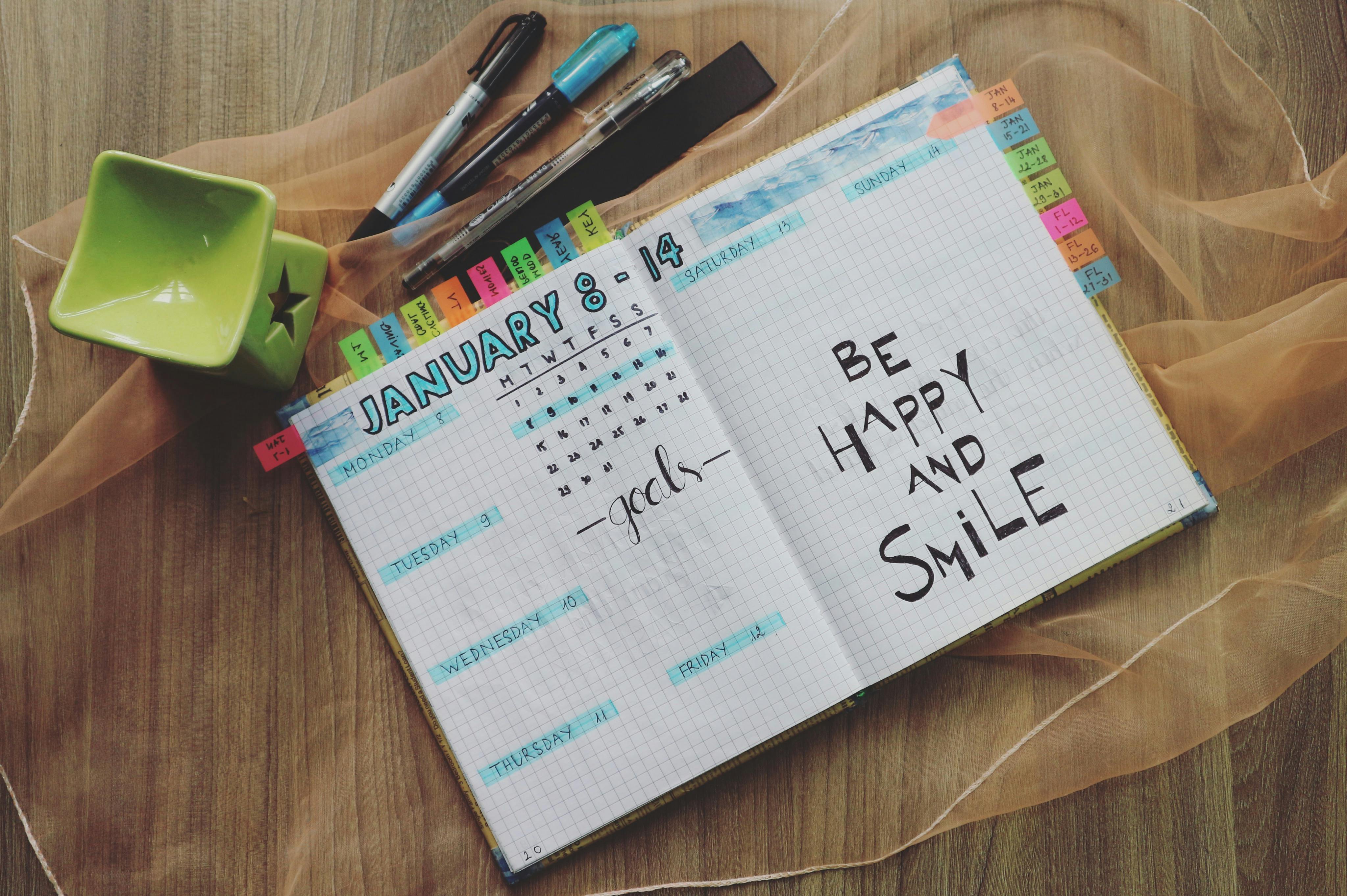
Don't try to do everything at once. Here's a focused starter plan:
Week 1: Choose your niche, set up your platform, write your first two posts
Week 2: Set up Google Search Console, create a Pinterest Business account, make your first pins
Week 3: Add an email opt-in to your site, write two more posts
Week 4: Promote everything you've written so far - Pinterest, Facebook groups, email if you have any subscribers
Then repeat. Keep the momentum going.
Blogging rewards patience and consistency more than talent or perfection. Start before you feel ready, publish before it feels perfect, and keep going longer than feels comfortable.
That's the real secret.
Share this post
Enjoyed this? Get more like it.
Weekly Pinterest tips for bloggers. Unsubscribe anytime.
Check your email to confirm ✓
Something went wrong. Please try again.
Still creating pins manually?
Every blog post you publish without pins is traffic left on the table.
PinFreshly turns your RSS feed into branded pin images in seconds — free to start, no card required.

24 October 2026
Your pins get tapped, yet nobody reaches your blog. The likely culprit: you've already given readers everything they came for. Here's the fix.

19 October 2026
Your styled room photos might be invisible to Pinterest's matching tools. Two well-written sentences on every pin could change that.

17 October 2026
Your December posts aren't done working. These 5 steps turn holiday content into new year reset pins in one quiet afternoon between Christmas and New Year.